
Run Meta Ads for Effective Lead Generation
Digital Marketing, Meta Ads, Lead Generation
How to Run Meta Ads for Lead Generation: A Practical Step‑by‑Step Guide
Meta Ads (Facebook and Instagram) can be a powerful engine for predictable lead generation—if you build your campaigns the right way. This educational guide walks you through each step, from planning your offer to optimising results, so you can turn ad spend into a steady stream of qualified leads.
1. Get Clear on Your Lead Generation Goal
Before you open Ads Manager, define exactly what a “lead” means for your business. This clarity shapes every decision you make inside Meta Ads and helps the algorithm find the right people for you.
Lead type: newsletter signup, consultation request, quote form, event registration, or free trial.
Lead quality: basic contact details vs. richer information (budget, timeline, service interest).
Success metric: target cost per lead, number of leads per week, or booked calls per month.
💡 Pro Tip: Write down your ideal cost per lead and monthly lead target. Refer to these numbers when evaluating performance so you make decisions based on data, not guesswork.
2. Choose the Right Lead Generation Method in Meta
Meta offers several ways to collect leads. The best option depends on your sales process and the level of commitment you want from prospects.
Lead Form Ads (Instant Forms): People submit their details without leaving Facebook or Instagram. These are quick and often generate a high volume of leads at a low cost, but quality can vary.
Website Conversion Leads: Ads send users to a landing page on your website with a form. This usually attracts more intentional, higher-quality leads, especially when your page is well-designed.
Messenger or WhatsApp Leads: Ads open a conversation where you or your team can qualify leads in real time. Ideal for service businesses with a consultative sales approach.
📌 Key Takeaway: If you are just starting, test both Instant Forms and website forms. Compare not only cost per lead but also how many leads convert into paying customers.
3. Set Up Your Campaign in Meta Ads Manager
Once your goal and method are clear, it is time to build the campaign itself. Work through Ads Manager from top to bottom so nothing important is missed.
Select your objective: Choose Leads as your campaign objective. This signals to Meta that you want people likely to share their details, not just click or engage.
Define your conversion location: Pick Instant Forms, Website, or Messenger based on your chosen method.
Set your budget: Start with a daily budget you are comfortable testing for at least 7–10 days. This gives the algorithm enough data to learn and optimise.
Choose locations, age, and language: Focus on regions where you can actually serve customers, and exclude audiences that are clearly outside your target.
4. Build a Focused Audience and Compelling Offer
Lead generation works best when you pair a specific audience with a clear, low‑friction offer. Avoid trying to appeal to everyone; speak directly to the people most likely to benefit from what you sell.
Use core targeting (interests, behaviours, demographics) to reach people who resemble your ideal customer.
Add Custom Audiences (website visitors, email lists, video viewers) for warm retargeting campaigns that often convert at a lower cost.
Create a valuable lead magnet: a checklist, template, calculator, webinar, or free consultation that solves a real problem and makes sharing contact details feel worthwhile.
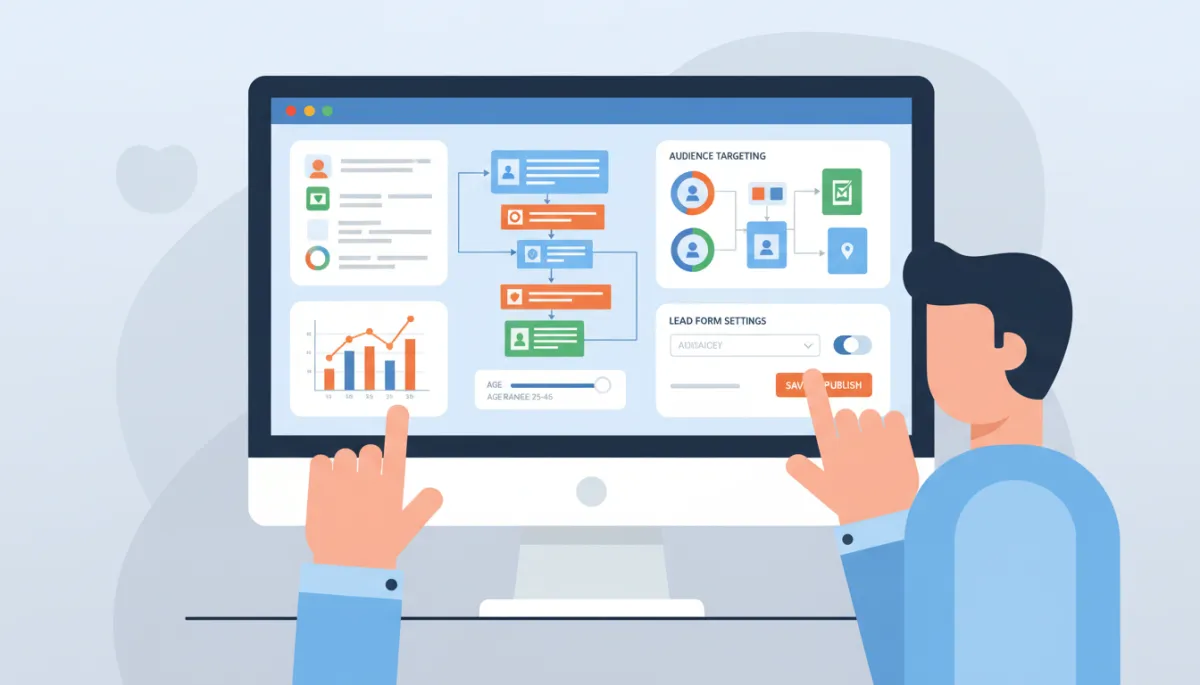
Aligning your audience with a strong offer can cut lead costs significantly.
5. Craft Ad Creatives That Attract the Right Leads
Your ad creative—images, videos, headlines, and text—determines who stops scrolling and who keeps going. Aim for clarity over cleverness and make the benefit of your offer obvious at a glance.
Visuals: Use clean, professional visuals that reflect your brand and show the outcome your audience wants (saved time, better results, expert guidance).
Headline: Clearly state the value, such as “Get Your Free Marketing Audit” or “Download the 10‑Step Home Buyer Checklist”.
Primary text: Briefly explain who the offer is for, what they get, and how it helps them. End with a direct call to action like “Claim your free guide today”.
6. Optimise, Nurture, and Scale Your Lead Campaigns
Launching your Meta Ads is only the beginning. To turn leads into revenue, you need ongoing optimisation and a simple nurturing system that follows up consistently.
Review performance after the learning phase (typically 50+ leads or conversions). Focus on cost per lead, click‑through rate, and the quality of conversations or sales that follow.
Test one variable at a time—audience, creative, or offer—so you know what truly drives improvements.
Connect your leads to a follow‑up system: automated emails, CRM notifications, or scheduled calls within 24 hours. Fast, relevant follow‑up dramatically increases conversion rates.
💡 Pro Tip: Once a campaign delivers leads at or below your target cost for several weeks, scale slowly by increasing the budget 15–20% at a time rather than doubling it overnight.
Bringing It All Together
Running Meta Ads for lead generation is not about chasing hacks; it is about building a clear, repeatable system. Define your goal, choose the right lead method, set up a focused campaign, match a valuable offer to a specific audience, and commit to ongoing optimisation and follow‑up. When these pieces work together, Meta can become one of your most reliable sources of qualified leads and long‑term customers.
